
What is Fluxo PVP?
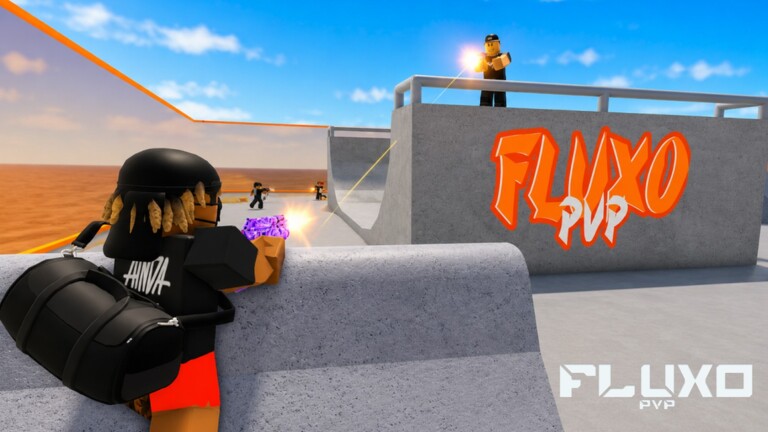
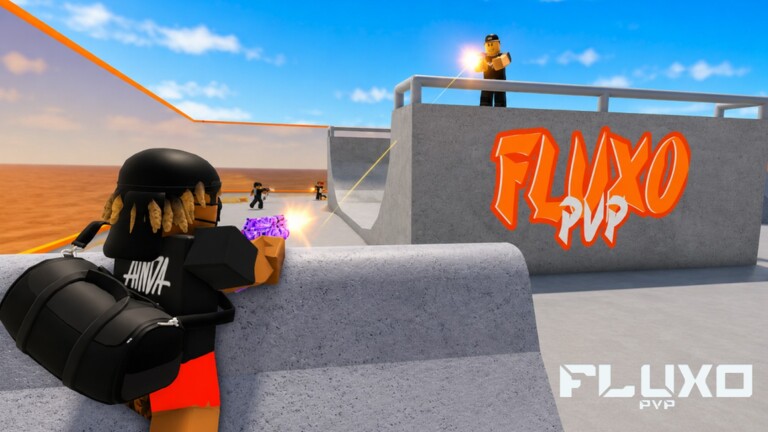
Fluxo PVP is a Roblox deathmatch shooter developed under the Fluxo PvP / Krush Studios banner. The pitch is simple and brutal: one clean headshot ends the fight. Matches play across urban, FiveM-flavored maps with duel brackets from 1v1 through 4v4, a Free-for-All playlist, and an AIMLAB training space for warming up aim before ranked-feeling lobbies.
Since launch the experience has grown past eleven million visits, with a large Brazilian and Filipino community layered on top of a global FiveM / SAMP / MTA audience. The latest public patch notes call out lag fixes, round-based matches, map voting, performance work, and the addition of Paleto Bank - a bank heist-style arena that rewards vertical peeks and tight corridor control.
If you are searching for a single place that covers codes, controls, modes, maps, and how-to guides without chasing Discord screenshots, this wiki is built for that. Every major section below links deeper into dedicated pages so you can jump straight to the problem you are trying to solve.
Core pillars of Fluxo PVP
- 1 Headshot = 1 Kill - precision aim and peek timing beat spray-and-pray
- Round-based competitive matches with lobby map voting
- Duels (1v1-4v4), FFA, and AIMLAB training in one experience
- Cross-platform play on PC, mobile, and console
- Private servers with 100× owner vote power and custom round settings
- Zero-tolerance anti-exploit stance - cheaters are reported and banned
Start here - pick your path
New to the game?
Learn movement, headshot rules, and your first five practice sessions before you care about K/D.
Beginner PathNeed free rewards?
Check which codes are still active, what they grant, and exactly where to redeem them in-game.
Active CodesFeels clunky on your device?
Tune graphics, sensitivity, and platform-specific binds with the settings optimizer checklist.
Settings OptimizerWant the current meta?
Browse the weapon tier list and ready-made loadouts for close, mid, and long-range duels.
Weapon Tier ListExploring seasonal content?
Open the Events hub for Halloween Limited Event notes and other limited windows.
Events HubQueuing into MATCHMAKING?
Learn what the matchmaking title branding means for lobbies, rounds, and votes.
MatchmakingCodes and free rewards
Players constantly search for working Fluxo PVP codes after every bug-fix apology or seasonal drop. As of the September 2026 verification pass (2026-09-15, including Roblox Den checks), SORRYFORBUGS is Active for 3K Coins, while PASCOA2026 remains Check for 1 Easter Gun. Codes are case-sensitive and are usually entered from the gift icon or the Codigos ring near spawn - not from the Roblox website.
Use the dedicated Active Codes page for the live table, then follow How to Redeem Codes if you cannot find the gift UI on mobile or console. Bookmark both pages; expired codes get moved quickly so you do not waste time on dead strings.
See every tracked code, reward, and status in one list.
Open Fluxo PVP CodesControls and movement tech
Official control notes are short: WASD to move, Shift to sprint, Space to jump or roll. That simplicity hides the real skill ceiling - sprint cancels, jump-roll peeks, and crosshair height discipline decide most headshot duels. Our Controls Overview explains the shared language of the game, while PC Controls, Mobile Controls, and Console Controls break down platform-specific habits that high-level players actually use. How to Roll turns the Space bind into intentional mix-ups instead of panic mash.
Mobile duelists should prioritize a clean three- or four-finger claw layout and lower graphics before chasing fancy settings. PC players should lock a consistent DPI / in-game sensitivity pair and practice the same flick distance in AIMLAB every session. Console players should treat aim assist as a cushion, not a crutch, and prefer the Codigos ring when redeeming codes with a stick cursor.
Game modes explained
Fluxo PVP is no longer just endless deathmatch chaos. The Modes hub covers the full playlist: structured Duels from 1v1 to 4v4 for coordinated aim battles, FFA when you want raw chaos and multi-angle awareness, and AIMLAB when you need a quiet warm-up lane. Round-based scoring rewards consistency; map voting between rounds keeps lobbies from rotting on a single layout.
Private server owners get 100× vote power plus custom round settings - perfect for faction scrims, content recording, or teaching newer teammates without public-lobby noise. Read the Private Servers and Factions guides before your next 2v2 night so callouts and crossfires are planned instead of improvised. When the Roblox title shows MATCHMAKING, you are still in the same experience - see the Matchmaking page for queue expectations.
Weapons, tier list, and loadouts
Because a single headshot ends lives, TTK (time-to-kill) math looks different from typical Roblox shooters. Close-range spray weapons punish panic peeks, mid-range rifles reward disciplined crosshair placement, and long-angle picks punish players who over-expose on rooftops. The Weapon Tier List ranks archetypes for the current patch feel, and Loadouts & Builds turns those ranks into concrete kits for 1v1, 2v2, and FFA.
Maps and callouts
Map knowledge is half the headshot game. The Map Guide teaches how to read cover lines, high ground, and rotate timings across the urban rotation. The Paleto Bank guide focuses on the newest named arena - vault approaches, teller windows, roof access, and the common pre-aim angles that decide round openers.
When the lobby opens map voting, vote for layouts that match your loadout and team size. A strong 1v1 aim player can still lose a 4v4 on a map that forces constant multi-peek trades if the squad never practiced those sightlines.
Guides built from real player problems
Search traffic for Fluxo PVP clusters around practical questions: how to play, how to aim for headshots, how to win a 1v1, and how to survive the first hour without rage-quitting. The Guides hub indexes every deep tutorial on this site. Start with How to Play Fluxo PVP for the ruleset and match flow, then How to Aim & Land Headshots for mechanical drills, and How to Win 1v1 Duels when you are ready to convert aim into round wins.
Several guides embed real YouTube gameplay and script showcases mid-article (lazy-loaded, never invented). Watch the clip, then follow the written breakdown so you can pause, rewind mental models, and apply the same pattern in your next lobby.
Scripts, tools, and fair play
The Scripts page catalogs popular Fluxo PVP script hubs circulating in the community - silent aim, ESP, autofarm-style menus, and keyless loadstrings - along with clear risk language. Fluxo PVP advertises zero tolerance for exploiters; using third-party executors can ban your account. We document what exists because players search for it, not because we endorse cheating in competitive lobbies.
If you want an edge that stays within normal play, use the Tools hub and the Settings Optimizer. Lowering latency, stabilizing FPS, and locking a sensitivity you can reproduce matters more than any shady menu when the rule is literally one headshot.
Review and patch history
Curious whether Fluxo PVP is worth your evening? Read the full Review covering strengths (clean headshot fantasy, mode variety, cross-play) and friction (queue quality variance, code scarcity, learning curve). Then check Updates for patch themes - lag fixes, round systems, map voting, Paleto Bank, Matchmaking branding - and the Events hub for Halloween Limited Event and other seasonal windows so your guides and loadouts stay current.
More hubs worth bookmarking
Factions
Roles, tryouts, and fair-play culture for stacks that scrim seriously.
FactionsPrivate Servers
100× votes and custom rounds for labs public queues cannot give you.
Private ServersBadges
Fluxo Welcome, 500 eliminations, and 1000 eliminations - grind clean.
BadgesMore resources
Switchboard for tools, review, updates, events, matchmaking, and extras.
More HubJump into the official experience when you are ready to practice what you learned.
Play Fluxo PVP on RobloxWho this wiki helps
- Beginners who need a structured first-week plan instead of random public lobbies
- Mobile players hunting readable controls and performance tips
- Competitive duelists refining peek timing, crossfires, and map votes
- Faction leaders running private-server scrims with custom rounds
- Returning players catching up on codes, Paleto Bank, and playlist changes
Everything on the homepage is an on-ramp. Dive into the linked guides, keep the codes page bookmarked, and treat AIMLAB like a gym - short, focused sessions beat mindless queue spam when one bullet to the head ends the round.